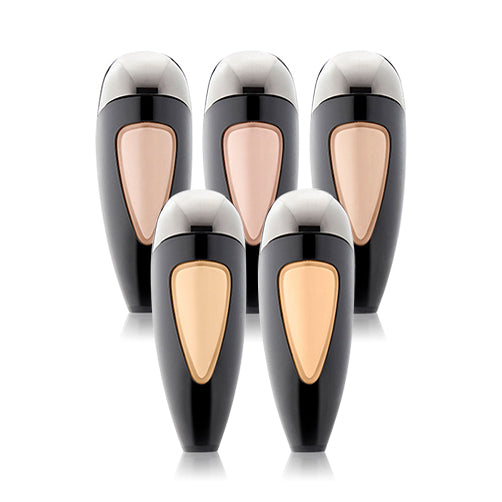
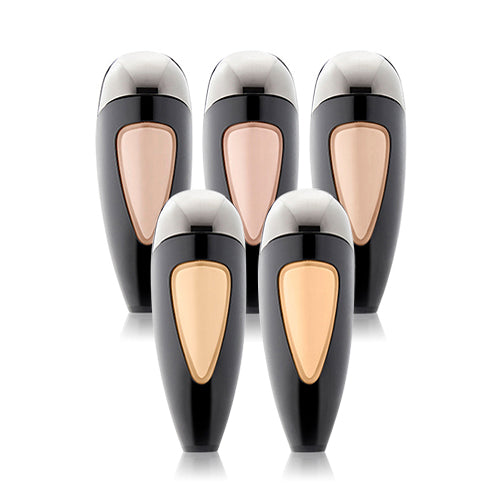
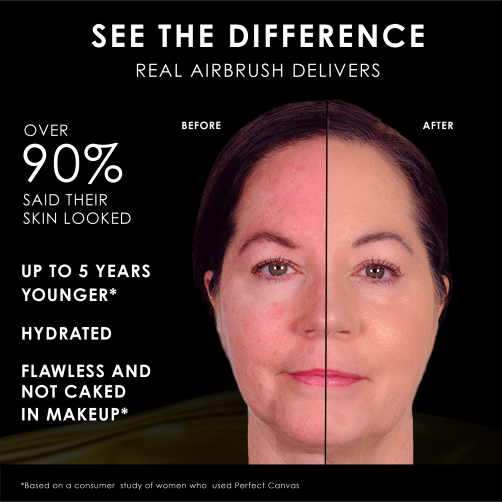
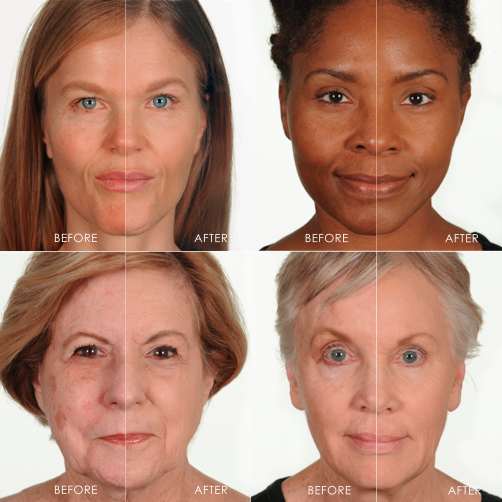
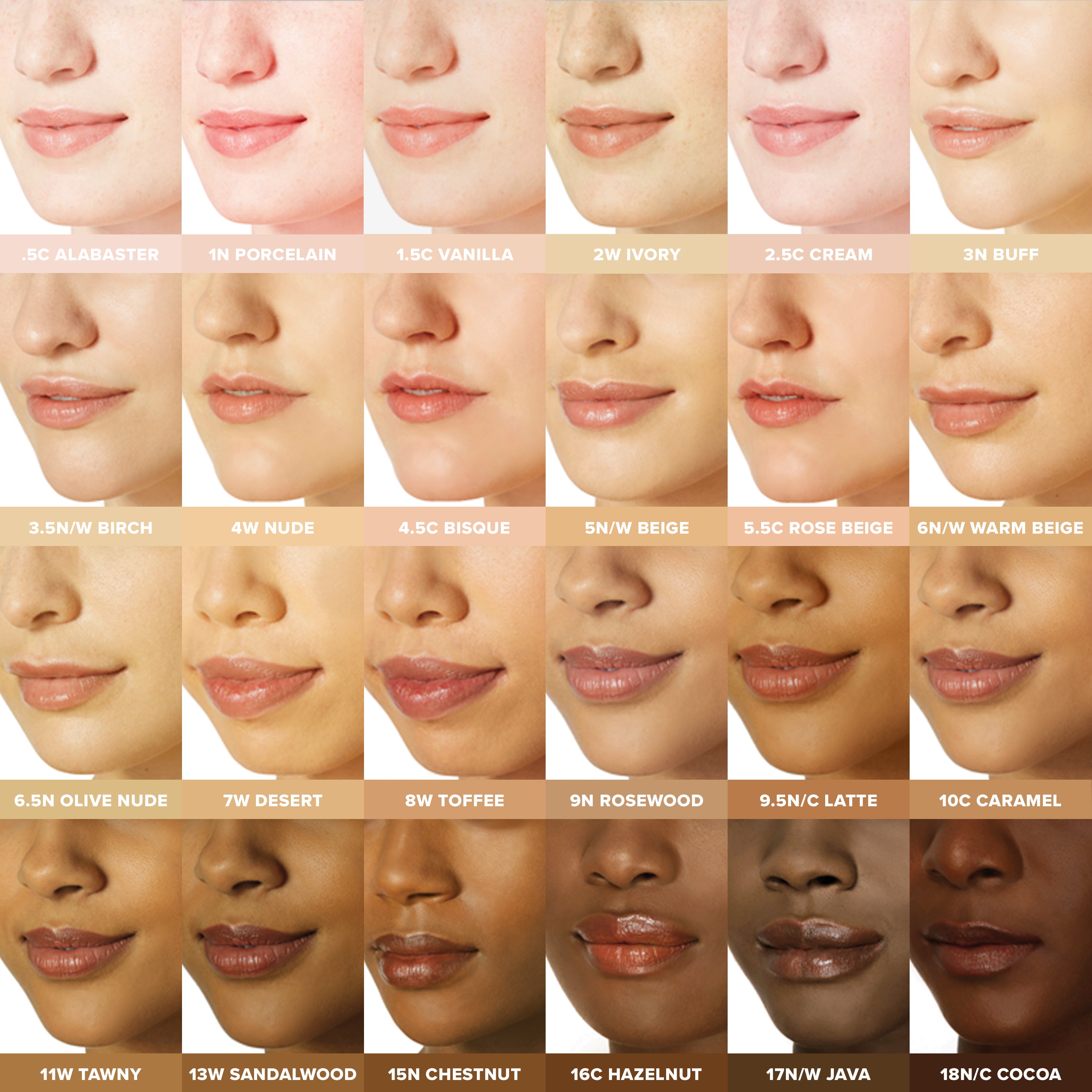
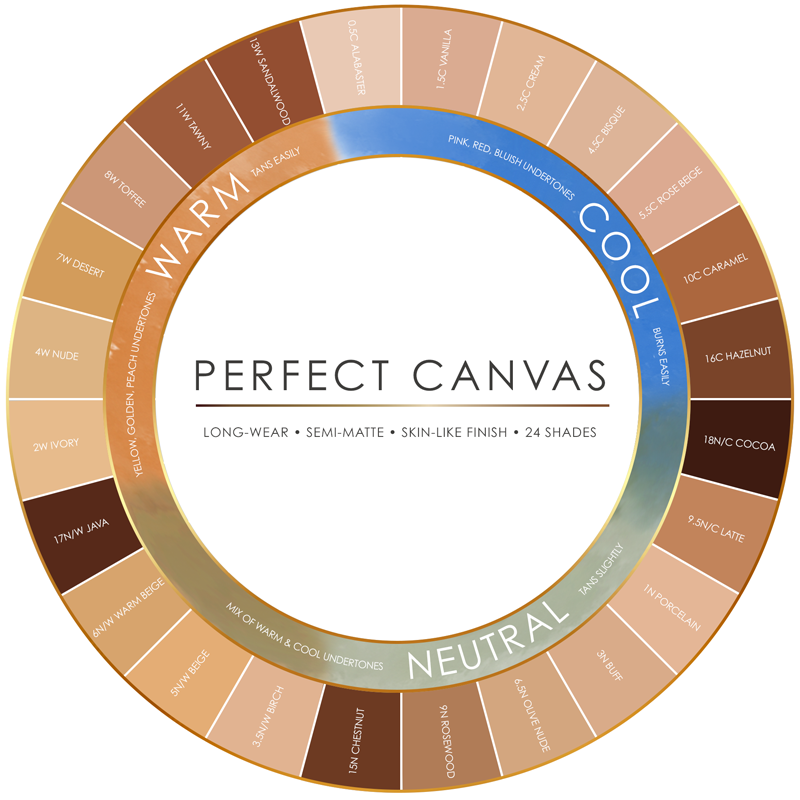
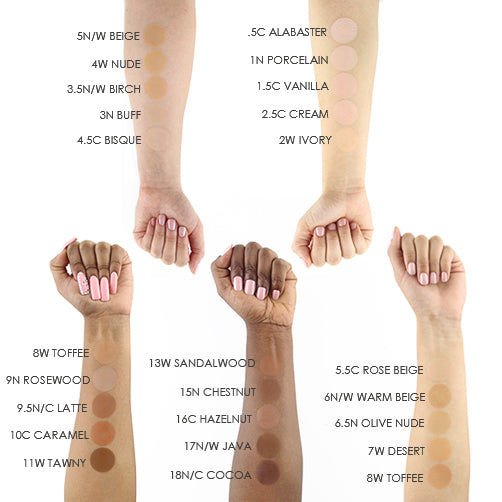
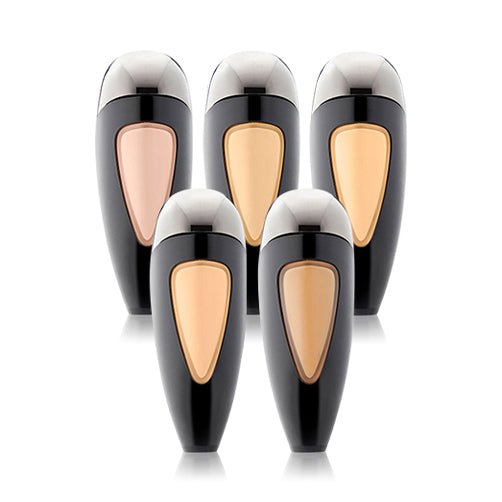
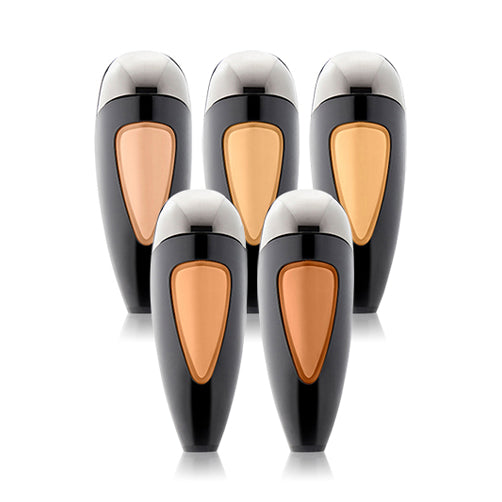
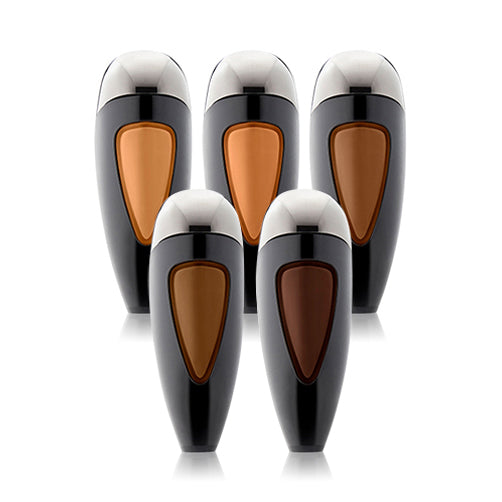
Perfect Canvas is a high-performance formula with improved, faster airflow -- always keep the TEMPTU Air or One moving in circular motions during application, holding it about four fingers from the face to avoid over-application.
Prepping your Airpod:
First, shake your Airpod. If it is the first time you are using this Airpod, remove the tamper seal and pull off cap. Firmly pull back on the clear loop to prime Airpod. Gently open the black plug before attaching Airpod to the TEMPTU Air or One.
Attaching your Airpod:
Press down on the round release button on the side of the TEMPTU Air or One and slide the Airpod, window side up, into the device until it clicks into place.
Detaching your Airpod:
Press down on the round release button on the side of the TEMPTU Air or One and pull downward on the Airpod to remove it from the device. Be sure to close the black plug on the Airpod when not in use.
Using the TEMPTU Air or One:
Charge before first use. Hold down on the power button for two seconds to turn the device on and off. Tap lightly on the button to switch speeds when using the TEMPTU Air only:
- Speed 1: Light Air – Detail work (eye and spot correction)
- Speed 2: Medium Air – Everyday flawless makeup application (foundation, blush and bronzer)
- Speed 3: Full Air – Highlighter and larger areas (décolletage, arms)
Always stop and look in between passes until reaching the desired level of coverage. You want to see perfected skin, not the makeup.
The lights will start blinking when the device needs to be charged, which takes 1-3 hours for the Air and 2-4 hours for the One to complete.
SoftTouch Control:
The SoftTouch Control regulates the amount of makeup released from the Airpod. For makeup to spray, use pointer finger to hold down the SoftTouch Control.
Practice on your hand to get a feel for the application. Less is More. Always press down lightly when applying to the face. Only press down all the way on the SoftTouch Control when applying to larger areas of the body.
Mastering a Flawless Finish:
Hold the TEMPTU Air or One about four fingers from the face. Always keep the device moving in small, circular motions for a seamless, even finish.
Use a light touch with the SoftTouch Control when applying makeup to the face. TEMPTU makeup is weightless and buildable - a little goes a long way.
Stop and look between passes until reaching the desired level of coverage.
- 1-2 passes for sheer coverage
- 2-3 passes for medium coverage
- 3-4 passes for full coverage
Pro Tips to avoid a wet, heavy or uneven finish:
- Do not hold device too close to skin
- Do not move in a back-and-forth motion
- Do not press too hard on the SoftTouch Control
Always stop and look in between passes until reaching the desired level of coverage. You want to see perfected skin, not the makeup.
Pre-filled Airpods may require cleaning of the tip occasionally to maintain optimal spray. Remove any makeup buildup from around the Airpod needle with S/B Airbrush Cleaner and the TEMPTU Cleaning & Mixing brush or other fine tip brush (sold separately).
For Instructions on how to use the TEMPTU Air or One, or how to prep, attach or troubleshoot Airpod Makeup visit the Education section of the website.